Rest is often pictured as silence, solitude, and an uninterrupted hour. Your home may offer none of those things. A child needs supervision, the dishwasher is running, the room is bright, and another person prefers background music. A sensory rest menu starts with a smaller question: which part of the environment can I change for a few minutes without abandoning what I need to do?
This is a practical observation tool, not a medical treatment or a universal nervous-system protocol. Different people respond differently to sound, light, texture, movement, and closeness. An item that feels soothing to someone else may irritate you. The Homeketeers menu uses three labels: reduce, replace, and pause. You can reduce an input, replace it with a more tolerable one, or briefly pause an activity that is adding to the load.
Name the input before collecting products
Notice what is difficult in the present moment. Is the television competing with conversation? Is a bright overhead light reflecting from the table? Is a collar rubbing your neck? Is the crowded room making it hard to find personal space? Write the specific input rather than labeling the whole day unbearable. A specific description gives you more options.
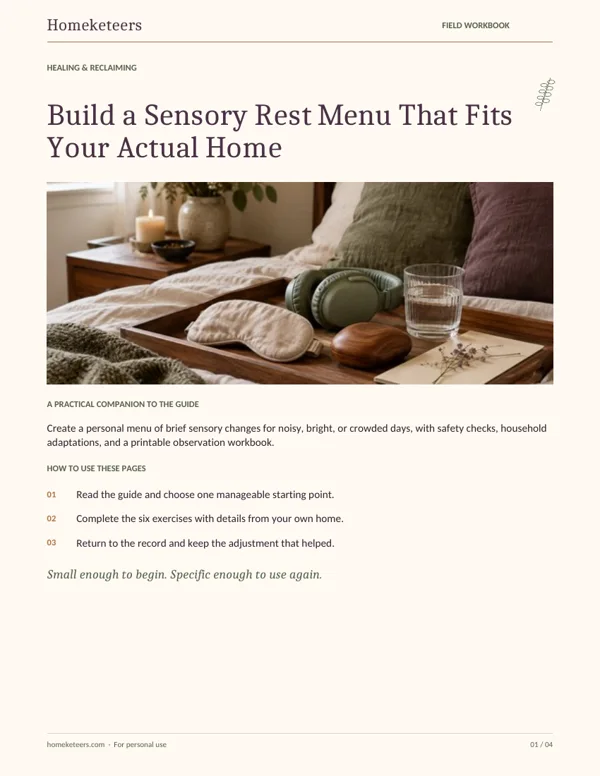
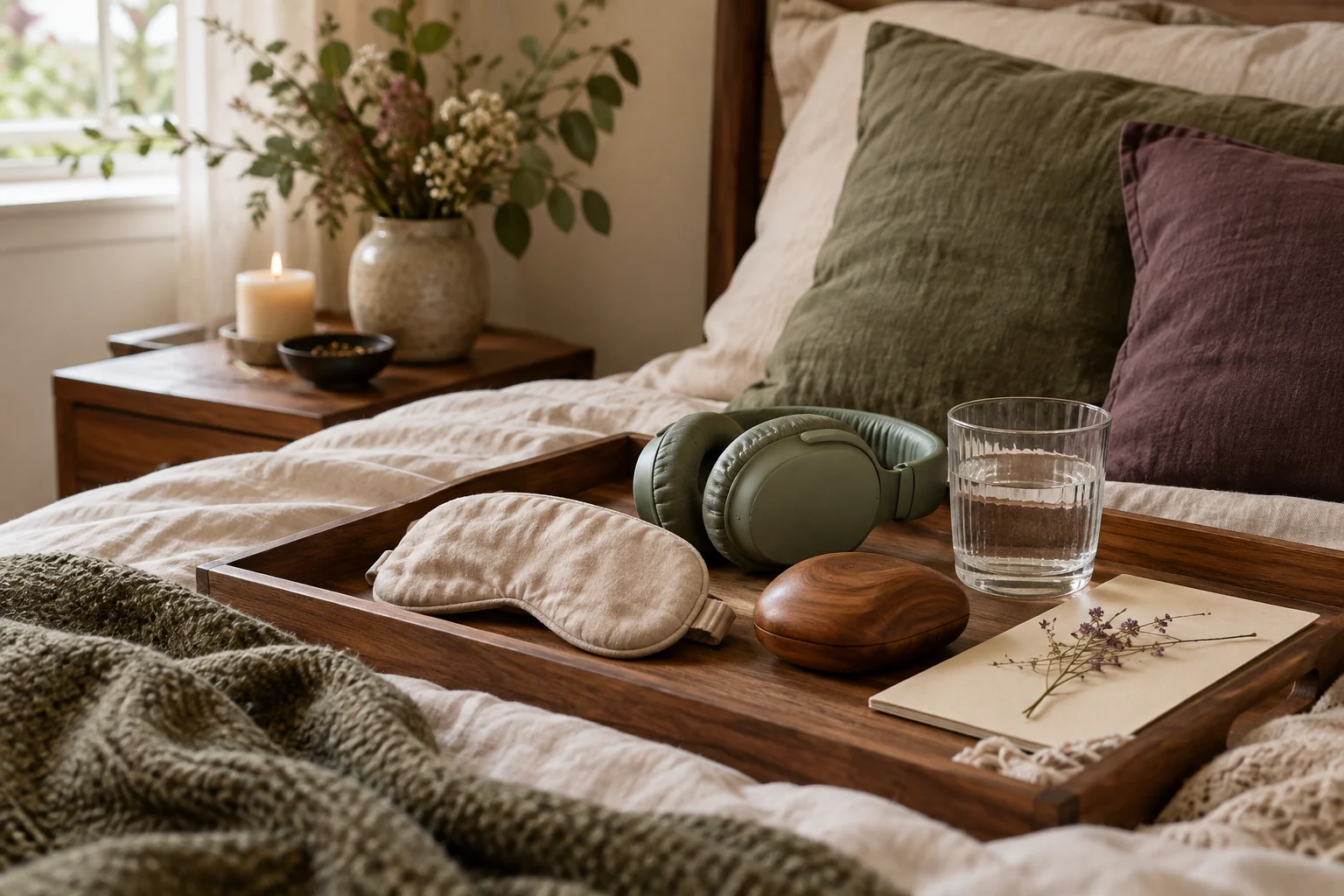
Begin with changes that cost nothing. Turn off an unused sound source, move to a different seat, loosen an irritating layer, or clear one place to sit. Buying a collection of sensory tools before understanding your preferences can produce another pile of objects to manage. If you already own ear defenders, an eye cover, or a comfortable blanket, try one item at a time and notice its actual effect.
Reduce only what can safely be reduced
Ear defenders can reduce some sound, but you still need to hear information required for supervision, cooking, travel, or other responsibilities. Do not use sound reduction in a way that prevents you from monitoring a dependent or hearing alarms. A dimmer room may feel comfortable, but maintain enough light to move and work safely.
When full reduction is impractical, reduce competing inputs. Turn the television off while keeping the conversation audible. Replace several lights with one well-placed lamp. Move away from a vibrating appliance instead of trying to silence the entire house. The target is a workable environment, not a sensory vacuum. You can keep necessary information while removing an input nobody is currently using.
Replace an input instead of enduring it
Texture changes are often immediate. A soft cardigan can replace a scratchy sweater. A plain mug can replace a container with a smell you dislike. A chair with a firmer seat may be more comfortable than a deep sofa. These preferences do not need to be justified by a diagnosis before you make an ordinary adjustment.
Sound replacement is personal. Instrumental music may help one person and add another demand for someone else. Avoid assuming that a particular frequency, playlist, or natural sound has a guaranteed healing effect. Try a short, low-volume sample and keep an easy way to stop it. If silence is available and preferable, that is a complete choice. You do not need to add an atmosphere to make rest legitimate.
Make a pause that has a beginning and an end
A pause can mean putting down the phone, looking away from a screen, sitting without another task, or postponing an optional conversation. Choose a length that fits the circumstances. Two minutes between responsibilities may be possible when twenty minutes is not. Tell another household member what you are doing if coordination is needed: “I am taking a quiet five minutes; I will answer the planning question afterward.”
Avoid turning the pause into a productivity test. You do not have to meditate well, breathe in a prescribed pattern, or feel transformed. You are simply reducing incoming demands for a limited interval. If stillness feels uncomfortable, try a slow ordinary activity such as folding a soft towel or walking a safe familiar route. Movement and rest are not mutually exclusive for everyone.
Offer household choices without prescribing them
Shared spaces contain different preferences. One person wants a lamp; another needs brighter light to read. Use local solutions when possible: a task light, headphones at a safe volume, separate seating, or a scheduled quiet interval. Explain the request in terms of a practical need rather than presenting your preference as the correct atmosphere for everyone.
Children can be offered choices, but do not force an eye cover, touch, weighted item, or enclosed space on someone who does not want it. Keep any tools appropriate to the person and follow product guidance. Ordinary options such as a quieter corner, a different shirt, or fewer simultaneous sounds may be enough. The menu belongs to its user; another person's visible response is information, not disobedience.
Keep observations small enough to use
Try one change at a time and record what happened. “Turning off the podcast made it easier to prepare lunch” is more actionable than “I regulated successfully.” Notice neutral results too. A blanket may feel pleasant but not change the difficult input. An eye cover may be impractical while supervising children. Cross out options that do not fit instead of keeping them because they look restful.
Your finished menu might contain three choices: turn off competing audio, change the irritating top, and sit by the window for three minutes when another adult is supervising. That is a useful menu. It does not need twenty tools or a special room. Update it when your home, responsibilities, or preferences change. Rest becomes easier to access when its smallest version has a clear place in your actual day.
Your Homeketeers field workbook: put this guide into practice
Use the workbook to build a menu from observations rather than trends. It includes spaces for the input, the change, the safety check, and the result. Keep the first version to three options. Write an alternative for each option so the menu still works when the house is busy or another person needs the shared space.
Map the difficult input
Choose one recent moment and describe the sound, light, texture, movement, or closeness that was hard to tolerate. Record the location and activity without ranking your whole day. Distinguish the input from the responsibility you still need to meet. This helps you remove something unnecessary while preserving the information and attention required for the task.
Try a reduce option
Choose one input you can lower or remove without creating a safety problem. Write the exact adjustment and its duration. Include what must remain audible or visible. If reduction is unavailable, mark that honestly. A menu should reflect your circumstances rather than imply you have privacy, equipment, or supervision that your home cannot currently provide.
Try a replace option
Identify an alternative texture, seat, light source, or sound arrangement using something you already have. Note why it may fit better. Try it briefly and preserve an easy way to stop. Record discomfort as useful information. You are selecting a preference, not proving that a recommended tool works or that you are responding to it correctly.
Define a short pause
Choose an optional demand you can pause and an interval you can actually protect. Name any coordination required with another adult. Write the action that ends the pause so you can return without another decision. Keep the pause simple enough that setting it up does not take more effort than the change is worth.
Plan for a shared room
List one household preference that differs from yours. Find a local adjustment that serves both needs, such as task lighting or moving seats. Write a clear request and a fallback if the request cannot work. Avoid framing a sensory preference as a moral failure in another person. The aim is workable coordination, not uniformity across the household.
Keep only useful choices
Record whether each trial helped, had no clear effect, or made the situation harder. Select three options you would use again and write an alternative for each. Include the setting where it is appropriate. Review the list after a week and remove anything you cannot access safely or that creates more setup work than practical relief.
Keep a record that tells you what actually changed
Compare the menu with the moments when you actually used it. Which option was available without shopping or rearranging the whole day? Which depended on help that was rarely present? Which specific input became easier to manage? Update the list using those answers. Do not treat a difficult day as evidence that you failed to rest correctly. If sensory difficulties are persistent, severe, or interfere with daily functioning, seek suitable professional guidance. The worksheet can still serve as a record of observations, but it should not be used to diagnose a condition or replace individualized care.